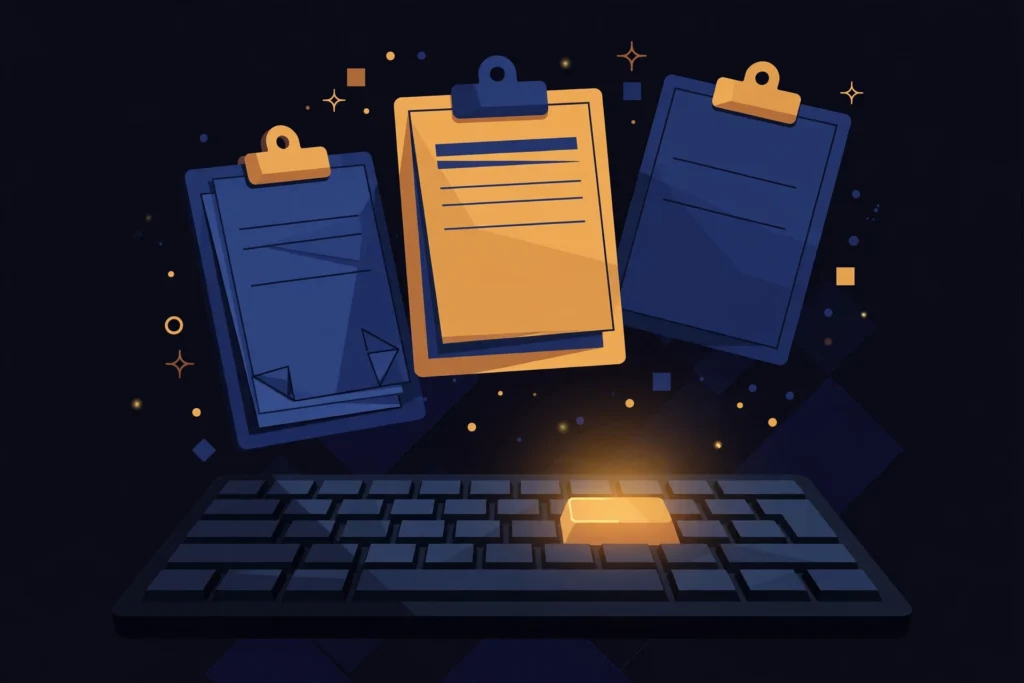
By default, Windows only remembers the last thing you copied. Turn on clipboard history and you can pull back anything you copied earlier — text, links, even images — without going back to re-copy it.
Turn it on
- Press Windows key + V.
- If clipboard history is off, click Turn on.
- That’s it — Windows now keeps a list of everything you copy.
Use it
- Copy a few things as normal with Ctrl + C.
- Press Windows key + V wherever you want to paste.
- Click the item you want — no more flipping back to re-copy it.
Two handy extras
- Pin what you reuse: hover an item in the history panel and click the pin. Pinned items stay put, so your address, signature, or a link you paste daily is always one keypress away.
- Clear it out: open the panel with Windows key + V, click the three dots, and choose Clear all to wipe the list (pinned items stay).
One shortcut to learn, and copy-paste stops being a one-item memory game.