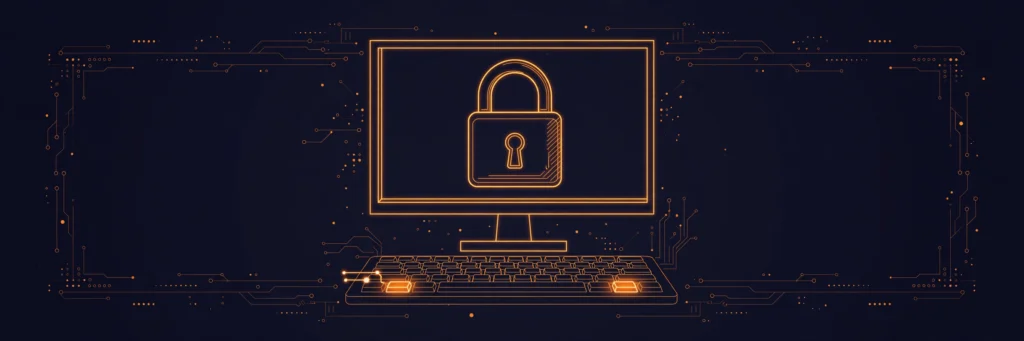
Walking away from your PC for two minutes? Lock it first. It takes one second, and it keeps anyone else from seeing — or touching — whatever you have open.
Lock it instantly
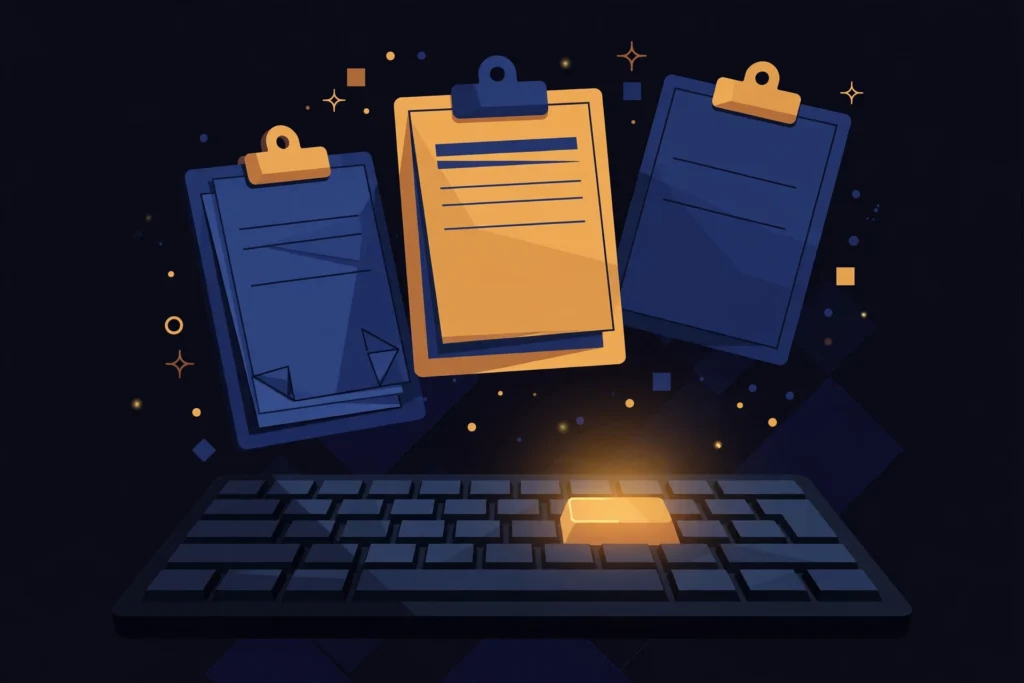
- Press Windows key + L.
- Your screen locks right away. Your programs keep running in the background.
- When you come back, sign in with your password, PIN, or face/fingerprint if you have one set up.
Why it matters
- Privacy: email, banking, and work files stay hidden from anyone walking past.
- No lost work: locking is not shutting down — everything is exactly where you left it when you sign back in.
- It works everywhere: desktop or laptop, Windows 10 or Windows 11, same shortcut.
Make it a habit
Press Win + L every time you get up — for coffee, for lunch, for the end of the day. After a week it becomes automatic, like locking your car door.
One keypress, and your PC is yours alone.